

Flowkey Review: Hype or the Real Deal?
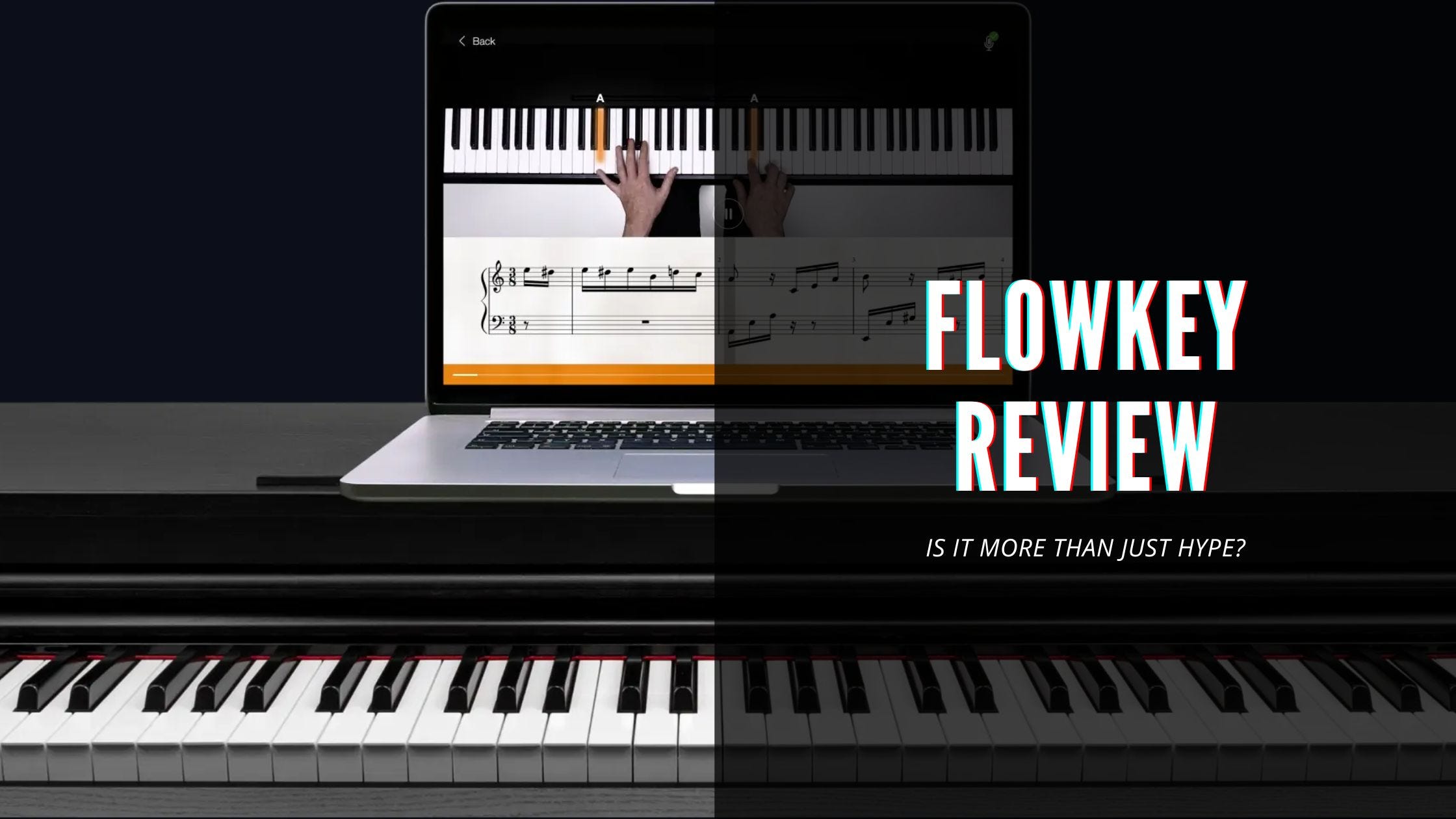
If you’ve ever sat at a piano (or keyboard) and felt completely lost trying to turn dots on a page into actual music, you know the frustration.
Apps keep promising to fix that with magic feedback, huge song libraries, and “learn your favorite hits in minutes.”
Flowkey is one of the most popular ones; interactive sheet music that listens to you, waits when you mess up, and claims to make learning feel like playing along to real songs.
I’ve been playing and teaching piano for over 20 years, and I’ve tested pretty much every major app out there. I spent a solid few weeks inside Flowkey (MIDI keyboard connected, microphone mode tested, full song library explored) to see if the hype holds up.
Here’s the straight, no-fluff version.
TL;DR: Flowkey Review
Overview: Interactive sheet-music app with real-time note detection (MIDI or microphone), 1,500+ songs in multiple difficulty levels, structured courses, and practice tools like Wait Mode, loop, and slowdown.
Pricing: $19.99/month, ~$13–14/month on 6-month plan, ~$9.99–$10/month on annual. 7-day free trial (sometimes longer promos).
Pros:
Excellent real-time feedback when it works (especially MIDI).
Massive, high-quality song library with smart arrangements.
Clean, modern interface and great practice tools.
Works on acoustic pianos via mic (surprisingly well in quiet rooms).
Cons:
Feedback can be too forgiving or glitchy on mic/acoustic setups.
Courses are light on deep theory, technique, and classical depth.
Navigation gets messy once you’re past the beginner courses.
Subscription feels expensive long-term if you only use the song library.
Rating: 7.2 / 10 — One of the best for motivated players who want to learn real songs quickly. Excellent for intermediate beginners and song-focused learners. Weaker for total newbies needing hand-holding or serious classical students.
What Flowkey Actually Is
Flowkey is not a video-lesson platform like Pianote and it’s not a full gamified game like Simply Piano. It’s interactive sheet music on steroids. You see the notes light up, the app listens (via MIDI or microphone), and it either plays along with you or waits until you hit the right notes (Wait Mode is genius for beginners).
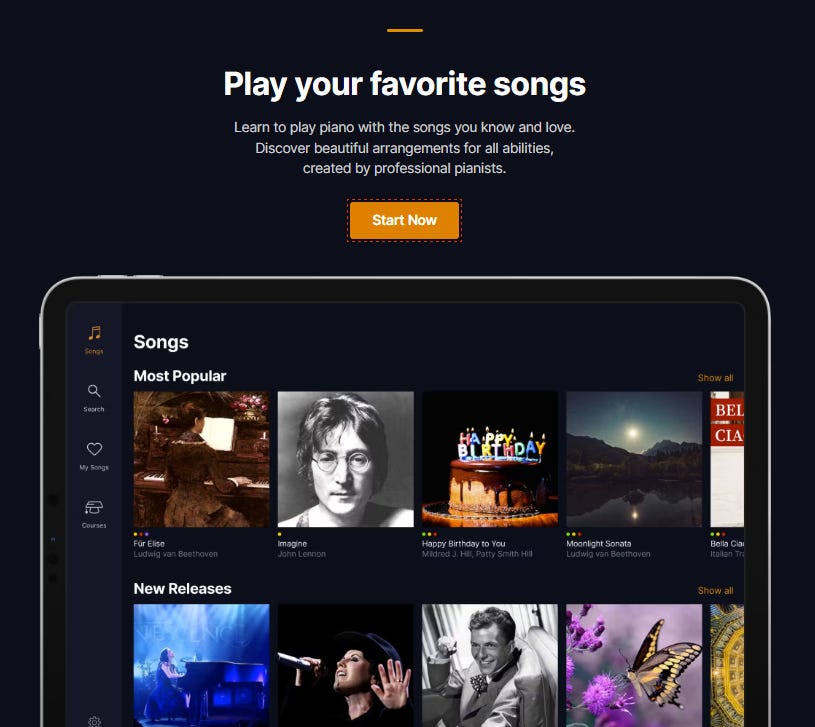
Over 1,500 songs, arranged in easy → medium → advanced versions. Plus short video tutorials, basic courses on technique and theory, and practice tools (loop sections, slow down, metronome overlay).
It runs beautifully on web, iOS, Android. I mostly used it on an iPad next to my digital piano.
The Parts That Actually Work Great
The interactive core is legitimately impressive. I connected my MIDI keyboard and the feedback was fast and accurate - the app followed me perfectly, even when I deliberately made mistakes.
Wait Mode is addictive: it literally pauses the song until you play the correct note. I learned the verse of “Someone You Loved” in one sitting because it forced me to get it right.
Song library quality is top-tier. Arrangements feel musical (not dumbed-down MIDI garbage), and having multiple difficulty levels means you can start simple and gradually add complexity.
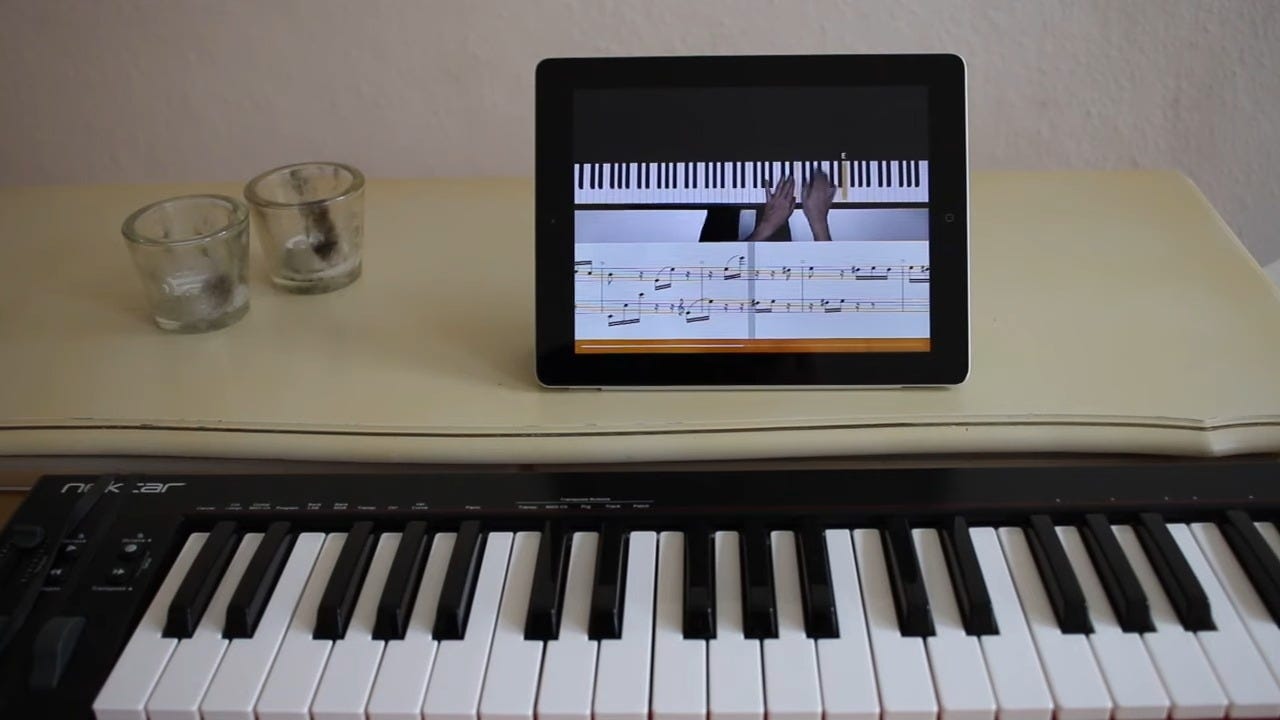
Backing tracks are solid. I spent hours just playing through pop, rock, and film scores I actually like.
Interface is clean and modern, easily one of the best-looking piano apps. Progress tracking and practice history keep you coming back.
Where It Falls Short
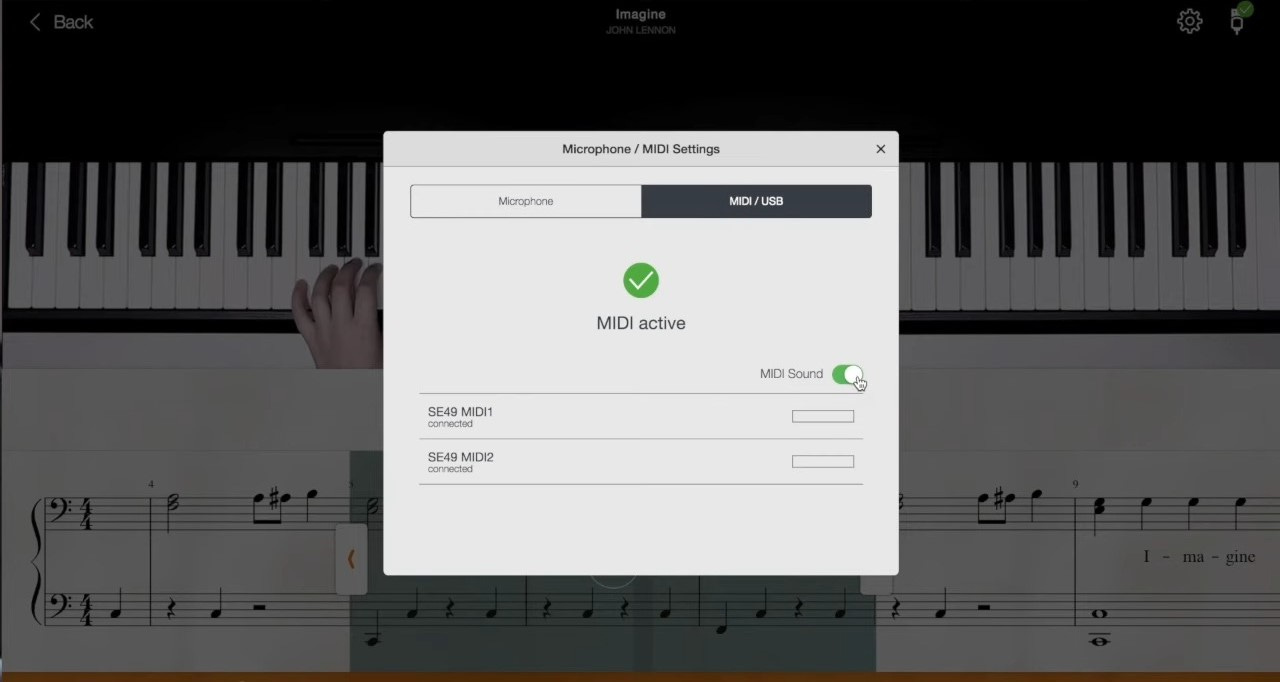
Feedback isn’t perfect MIDI = excellent. Microphone on acoustic or unconnected keyboard? Hit or miss. In a quiet room it worked okay, but any background noise or uneven playing and it got confused. Several times it thought I was playing correctly when I clearly wasn’t. That “forgiving” feedback can build bad habits.
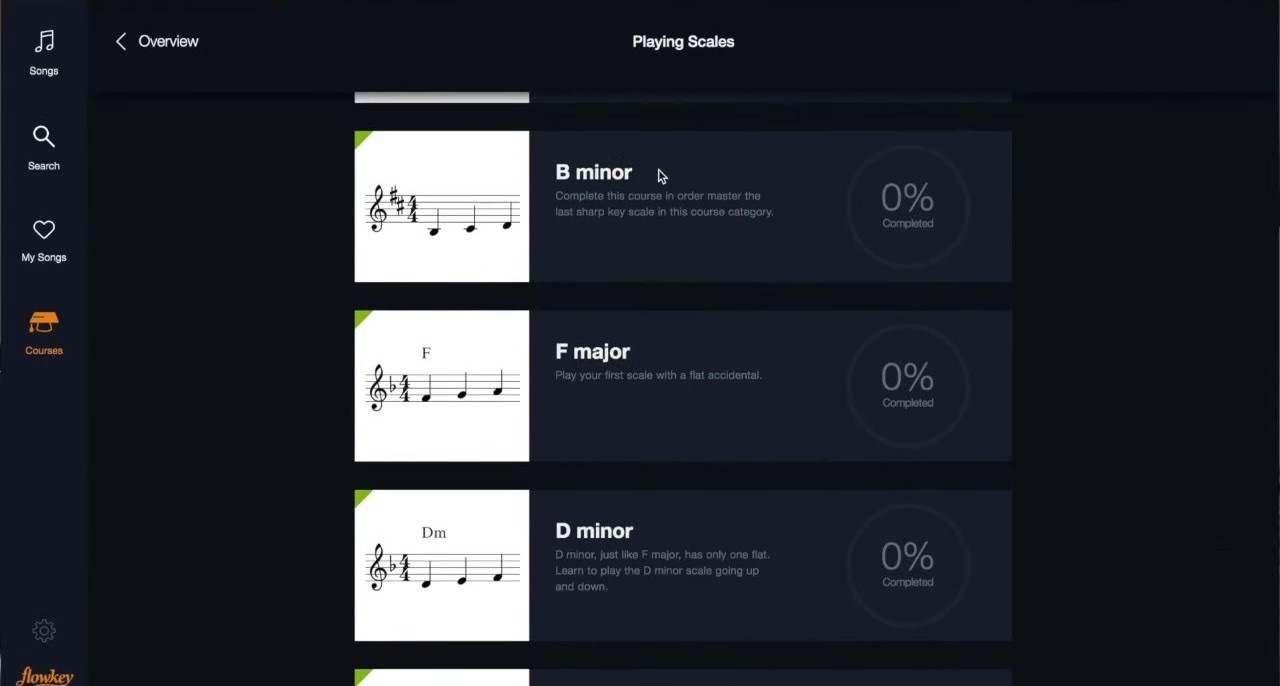
Courses are shallow The beginner courses are fine for absolute starters, but they’re short and don’t go deep on posture, finger technique, or theory. Once you’re past the first few lessons, it’s basically “here’s another song - good luck.” No real structured path after the basics.
Classical & advanced players get short-changed There are classical pieces, but most are simplified arrangements. If you want proper Beethoven sonatas or serious technique work, this isn’t it. The app is clearly aimed at people who want to play pop/rock/film music for fun.
Navigation & content organization After you finish the intro courses, it turns into a giant searchable library. That’s great for browsing, but terrible if you want a clear “what should I learn next?” path.
Pricing – Is It Worth It?

$19.99/month or ~$120/year is middle-of-the-pack pricing. It’s cheaper than private lessons, but more expensive than some one-time purchases. The 7-day trial is enough to test the core features, but not long enough to finish a full song or course.
If you actually practice regularly and love the song-learning loop, the annual plan pays for itself quickly compared to lessons. If you just dabble, it can feel pricey.
Who Actually Succeeds With Flowkey?
From my own experience + reading hundreds of user reviews: it works best for:
Adult beginners/returners who already have some discipline
People who learn best by playing real songs they love
Players with a MIDI keyboard (big advantage)
Intermediate players who want to expand repertoire fast
It struggles more with:
Total beginners who need constant hand-holding
Kids (too much reading required)
Acoustic-only players in noisy homes
Anyone wanting deep classical training or improvisation
Better Alternatives (Depending on Your Needs)
I’ve tested all of these side-by-side in the last few months, so here’s the no-BS breakdown:
Want deeper video teaching, real theory, ear training, and a community? → Pianoforall (structured lessons + weekly live Q&As)
Need maximum gamification and hand-holding for absolute beginners or kids? → Simply Piano (the most addictive one)
Hate subscriptions and want a one-time purchase with quick chord-based wins? → Piano for All ($49 lifetime)
Serious about classical technique, etudes, and proper training? → tonebase Piano or Playground Sessions
Looking for similar interactive feedback but sometimes better mic recognition? → Skoove (very close runner-up to Flowkey)
Flowkey still edges out for me on pure song-learning speed and enjoyment, but none of these apps are perfect on their own.
Final Verdict
Flowkey is one of the strongest piano apps if your goal is “I want to play songs I actually like, and I want it to feel good while I’m doing it.” The interactive feedback (when it works) and song quality are genuinely better than most competitors.
It’s not a complete piano education on its own — you’ll still need to supplement technique and theory elsewhere if you’re serious. But for fun, motivation, and rapid song-learning, it’s hard to beat.
Take the 7-day trial, connect a MIDI keyboard if you can, pick a song you love, and see how it feels. If you’re still excited after a week, it’s probably worth the subscription.
If you want deeper teaching → Pianoforall or a real teacher.
If you want maximum gamification → Simply Piano.
If you want the best of both worlds right now → Flowkey is sitting right there.
(And yes, I still have it on my iPad. I keep coming back to it when I want to learn a new pop tune quickly.)
Frequently Asked Questions About Flowkey
I get asked these questions all the time (both from readers and from people in my own piano community), so here are the straight answers based on my actual testing .
1. What exactly is Flowkey and how does it work?
Flowkey is interactive sheet music that listens to you in real time. You see the notes light up, the app follows your playing (via MIDI or microphone), and it either plays along or waits until you hit the right notes (Wait Mode is brilliant). It’s not a video-lesson course like Pianote - it’s song-based learning with smart practice tools.
2. Is Flowkey good for beginners, intermediates, or advanced players?
It’s excellent for motivated adult beginners and intermediates who already have a little discipline and want to learn real songs fast. Total beginners can struggle because the courses are short and there’s no hand-holding. Advanced players will enjoy expanding their pop/rock/film repertoire, but it’s not built for serious classical technique or deep theory.
3. Can I use it on phone, tablet, or computer?
Yes, it works great on all three. I used it mostly on an iPad Pro next to my digital piano, but the web version on a laptop is just as smooth. Everything syncs across devices.
4. Do I need any special equipment?
MIDI keyboard → best experience (fast, accurate feedback)
Acoustic or non-MIDI digital piano → microphone mode works surprisingly well in a quiet room No special pedal or anything else required.
5. How much does Flowkey actually cost?
Monthly: $19.99
6 months: $13.99/mo (billed as $83.94)
Annual: $9.99/mo (billed as $119.88) 7-day free trial (sometimes they run longer promos).
6. Is there a free version?
There’s a limited free trial (7 days full access) and a very small selection of free songs/lessons permanently available. But to get the full library and all practice tools, you need to subscribe.
7. Does Flowkey actually help you learn to read sheet music?
Yes — that’s one of its strongest points. You follow real (but simplified) sheet music while the notes light up and the app waits for you. After a few months I noticed my sight-reading had improved noticeably, especially on lead sheets and pop arrangements.
8. How often do they add new songs?
They add new songs and arrangements every week or two. The library now sits at 1,500+ pieces and keeps growing. I’ve never run out of things I actually wanted to play.
9. Can I cancel easily?
Yes — you can cancel anytime in your account settings. I’ve done it twice with no hassle (they even let me keep access until the end of the billing period).
10. Is Flowkey worth it long-term?
If you actually practice and love learning songs you recognise, yes — it’s one of the few apps I still pay for. If you just dabble or want deep classical training, you’ll probably outgrow it after 6–12 months.
Some interesting takes!